
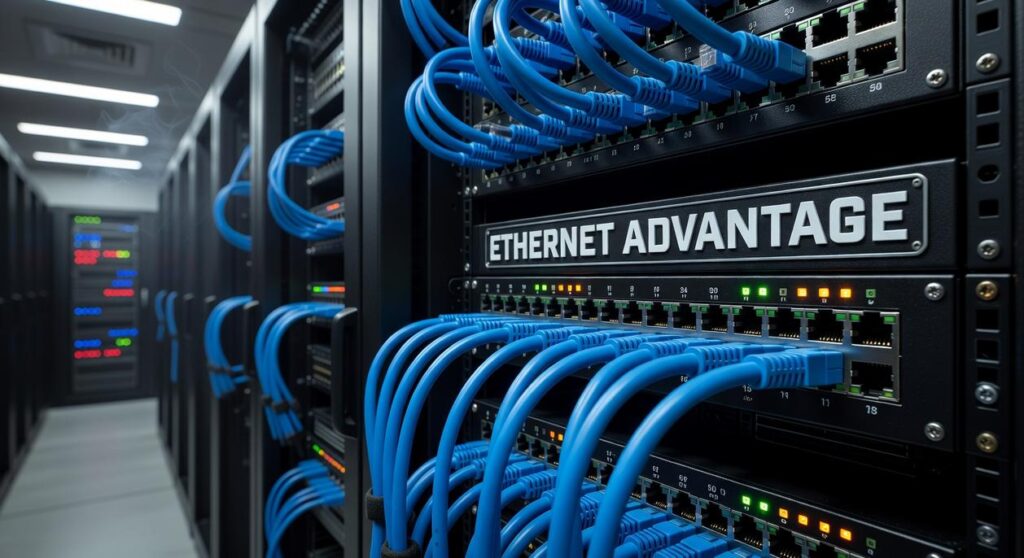
If you’re searching for ways to gain a competitive edge in gaming, you’re likely looking for practical strategies that actually improve performance—not recycled tips you’ve seen a hundred times. This article is built to meet that need directly. We break down proven gaming concepts, current esports meta shifts, tournament-level strategies, and the technical optimizations that can meaningfully impact your results.
Whether you’re refining your mechanics, analyzing event trends, or building a low latency gaming network setup, you’ll find actionable insights designed to translate into measurable in-game advantages.
Our guidance is grounded in detailed match analysis, competitive tournament data, and hands-on testing of gaming hardware and network configurations. We study what top competitors are actually doing—and why it works—so you can apply the same principles to your own setup.
By the end, you’ll understand not just what to change, but how those changes give you a real competitive edge.
Stop Losing Games to Lag: Your Ultimate Network Guide
I still remember losing a ranked match because my screen froze at the worst possible second (yes, I yelled at my router). Lag, packet loss, and high ping don’t just frustrate you—they sabotage skill. This guide breaks down the same principles esports pros use to lock in stable, low-latency connections.
Follow these steps:
- Use wired Ethernet instead of Wi‑Fi.
- Prioritize traffic with QoS (Quality of Service).
- Upgrade outdated routers and firmware.
- Optimize your low latency gaming network setup.
Do this, and you’ll minimize lag—and gain a real competitive edge.
The Foundation: Choosing Your Internet Plan and Core Hardware
Your low latency gaming network setup starts with your ISP. Fiber optic is the undisputed champion because it delivers data as light signals, reducing signal degradation and latency. According to the FCC, fiber connections consistently offer lower average latency than cable or DSL, often under 10–20 ms locally. Latency (or ping) is the time it takes data to travel from your device to a server and back. By contrast, download speed affects how fast you receive data, while upload speed determines how quickly you send it. (Fast downloads won’t save you if your ping spikes mid-fight.)
Some argue cable is “good enough.” And in many cases, it is. But during peak hours, shared cable nodes can introduce congestion—adding jitter, the inconsistency of latency that causes rubber-banding.
Next: your modem. A standalone DOCSIS 3.1 modem supports higher throughput and gives you firmware control that ISP combo units often restrict. Pro tip: owning your modem can also eliminate monthly rental fees.
When choosing a gaming router, look for powerful multi-core processors, dedicated gaming ports, and advanced Quality of Service (QoS) engines—software that prioritizes gaming packets over streaming or downloads. Gaming routers matter because they’re engineered to reduce packet loss and stabilize ping under load (think tournament finals, not casual Netflix night).
Wired for Victory: The Unbeatable Advantage of Ethernet
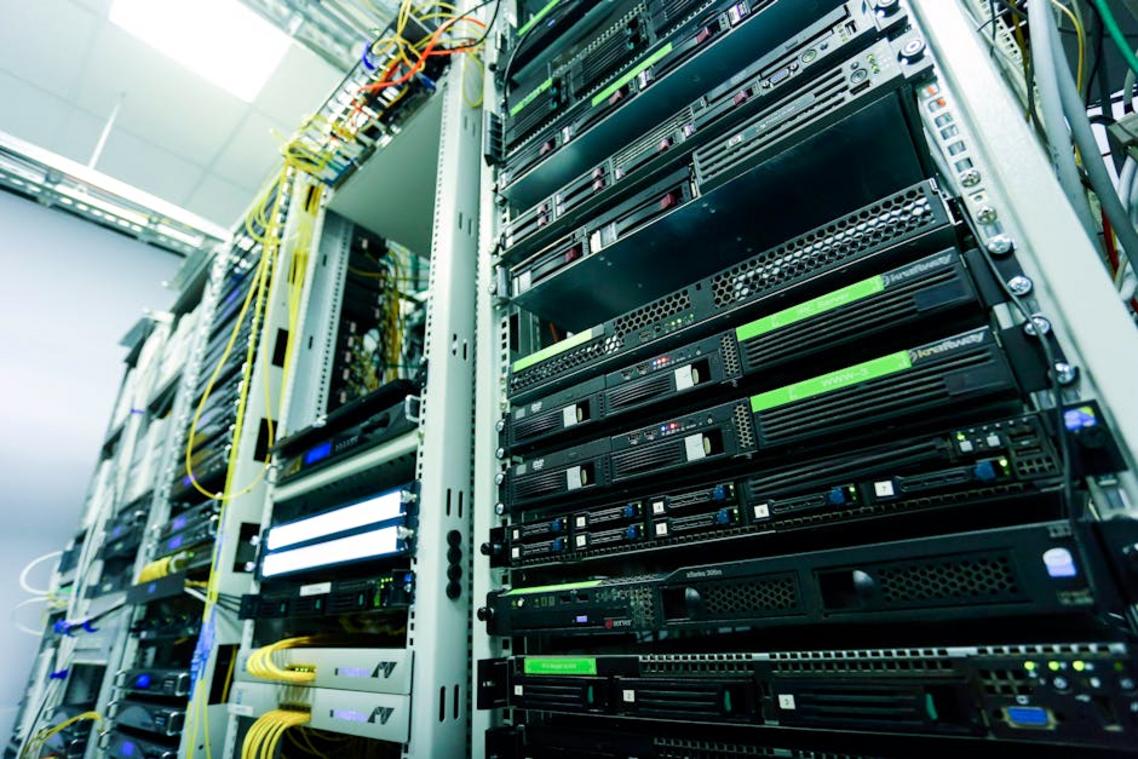
Picture this: you click to fire, but the shot lands a heartbeat late. That tiny, infuriating delay? That’s latency—the time it takes for data to travel from your device to the game server and back. In competitive gaming, milliseconds FEEL like seconds. A wired Ethernet connection delivers lower latency, steadier speeds, and near-zero interference compared to Wi-Fi (which has to fight through walls, microwaves, and your neighbor’s Netflix binge).
Some argue modern Wi-Fi 6 is “fast enough.” And for casual play, sure. But serious gamers know stability beats peak speed. Ethernet provides consistent packet delivery—no random spikes, no rubber-banding. If you’re building a low latency gaming network setup, wired isn’t optional; it’s foundational.
Choosing the Right Cable
Cat 6, Cat 7, Cat 8—these categories define bandwidth capacity and shielding. Cat 6 supports up to 10 Gbps at shorter distances and is the BEST VALUE for gaming. Cat 7 and Cat 8 offer higher shielding and speeds, but unless you’re running a data center in your bedroom (no judgment), Cat 6 handles modern gaming effortlessly.
When Wi-Fi Is Unavoidable
If cables aren’t possible, use the 5GHz band for faster speeds and less interference (it’s quieter, like moving from a crowded café to a library). Place your router centrally, elevated, and away from thick walls or metal objects. Use Wi-Fi analyzer tools to select the least congested channel. Pro tip: combine these tweaks with guidance from how to optimize your gaming pc for maximum fps for maximum impact.
Unlocking Peak Performance: Mastering Your Router’s Settings
Deep Dive into Quality of Service (QoS)
If you’ve ever lagged out mid-match, you already know: milliseconds matter. Quality of Service (QoS) is a router feature that prioritizes certain traffic—like your gaming console—over bandwidth hogs such as streaming or downloads. According to a 2023 report from Ookla, latency spikes during peak household usage can increase ping times by over 30% without traffic prioritization. That’s the difference between clutch and crushed.
To configure QoS for a low latency gaming network setup:
• Log into your router’s admin panel (usually 192.168.1.1).
• Locate QoS or Traffic Prioritization settings.
• Find your gaming device’s MAC address (on console network settings or via ipconfig /all on Windows).
• Assign it “Highest” or “High” priority.
A MAC address (Media Access Control address) is a unique hardware identifier assigned to your device. Think of it as your console’s fingerprint. By tagging it in QoS, you ensure your packets jump the line (because nobody wants Netflix buffering to decide a ranked match).
Port Forwarding and NAT Type
Network Address Translation (NAT) allows multiple devices to share one public IP. However, a “Strict” NAT can block peer-to-peer connections. Sony and Microsoft both confirm that “Open” or “Type 1” NAT improves matchmaking speed and voice chat stability. Port forwarding—manually opening specific ports for your console—helps achieve this state.
Some argue UPnP (Universal Plug and Play) makes port forwarding unnecessary. Sometimes it does. But manual configuration offers measurable stability in competitive environments.
Firmware Is Key
Router firmware updates often include security patches and performance enhancements. Netgear reports that firmware updates have resolved latency-related bugs in multiple consumer models. Skipping updates is like refusing a free performance patch (bold strategy). Regular checks ensure your hardware runs at peak efficiency.
Final Tuning: Optimizing Your PC or Console
First, eliminate bandwidth hogs. Open Task Manager (PC) or Activity Monitor (Mac via Boot Camp) and sort by network usage. Cloud sync tools, auto-updating launchers, and stealthy 4K streams quietly eat bandwidth (yes, even when “paused”). Close them before competitive play. This is foundational to a low latency gaming network setup.
Next, update your NIC drivers directly from the manufacturer’s site—not just Windows Update. New firmware often patches packet loss bugs and improves stability.
On consoles, manually set DNS, disable automatic downloads during gameplay, and use wired connections. Wi-Fi 6 helps—but Ethernet still wins, statistically (FCC broadband performance reports).
Build Your Unfair Advantage
First, lock in the fundamentals: upgrade to a fast internet plan (low latency matters more than flashy download speeds), invest in superior hardware, switch to a wired Ethernet connection, and configure smart QoS settings to prioritize game traffic. Together, these create a low latency gaming network setup that removes lag at the source.
For example, if your ping spikes when someone streams Netflix, log into your router and assign your console or PC top priority. Problem solved.
Some argue skill alone should carry you. Sure—but why handicap yourself? Now, your connection won’t decide your matches (and that’s one less excuse).
Level Up Your Competitive Edge
You came here to master the strategies, tournament insights, and setup optimizations that separate casual players from true competitors. Now you understand how meta analysis, smarter event prep, and a low latency gaming network setup directly impact your performance when it matters most.
The real pain point isn’t just losing — it’s knowing you could’ve played better if your strategy was sharper or your setup wasn’t holding you back. In competitive gaming, milliseconds and micro-decisions decide everything. Ignoring them means leaving wins on the table.
The next step is simple: audit your current setup, refine your tournament approach, and implement the network and hardware optimizations outlined above. Don’t wait until the next event exposes weak spots.
If you’re serious about dominating your matches, dive deeper into advanced meta breakdowns and proven optimization strategies trusted by competitive players who refuse to lag behind. Start upgrading your edge today and turn every match into a calculated advantage.
 Gaming Experience & Setup Optimization Specialist
There is a specific skill involved in explaining something clearly — one that is completely separate from actually knowing the subject. Julienie Owensenzo has both. They has spent years working with esports tournament insights in a hands-on capacity, and an equal amount of time figuring out how to translate that experience into writing that people with different backgrounds can actually absorb and use.
Julienie tends to approach complex subjects — Esports Tournament Insights, Current Highlights, Gaming Setup Optimization being good examples — by starting with what the reader already knows, then building outward from there rather than dropping them in the deep end. It sounds like a small thing. In practice it makes a significant difference in whether someone finishes the article or abandons it halfway through. They is also good at knowing when to stop — a surprisingly underrated skill. Some writers bury useful information under so many caveats and qualifications that the point disappears. Julienie knows where the point is and gets there without too many detours.
The practical effect of all this is that people who read Julienie's work tend to come away actually capable of doing something with it. Not just vaguely informed — actually capable. For a writer working in esports tournament insights, that is probably the best possible outcome, and it's the standard Julienie holds they's own work to.
Gaming Experience & Setup Optimization Specialist
There is a specific skill involved in explaining something clearly — one that is completely separate from actually knowing the subject. Julienie Owensenzo has both. They has spent years working with esports tournament insights in a hands-on capacity, and an equal amount of time figuring out how to translate that experience into writing that people with different backgrounds can actually absorb and use.
Julienie tends to approach complex subjects — Esports Tournament Insights, Current Highlights, Gaming Setup Optimization being good examples — by starting with what the reader already knows, then building outward from there rather than dropping them in the deep end. It sounds like a small thing. In practice it makes a significant difference in whether someone finishes the article or abandons it halfway through. They is also good at knowing when to stop — a surprisingly underrated skill. Some writers bury useful information under so many caveats and qualifications that the point disappears. Julienie knows where the point is and gets there without too many detours.
The practical effect of all this is that people who read Julienie's work tend to come away actually capable of doing something with it. Not just vaguely informed — actually capable. For a writer working in esports tournament insights, that is probably the best possible outcome, and it's the standard Julienie holds they's own work to.