In-Game Settings: The Art of the FPS-to-Visuals Trade-Off
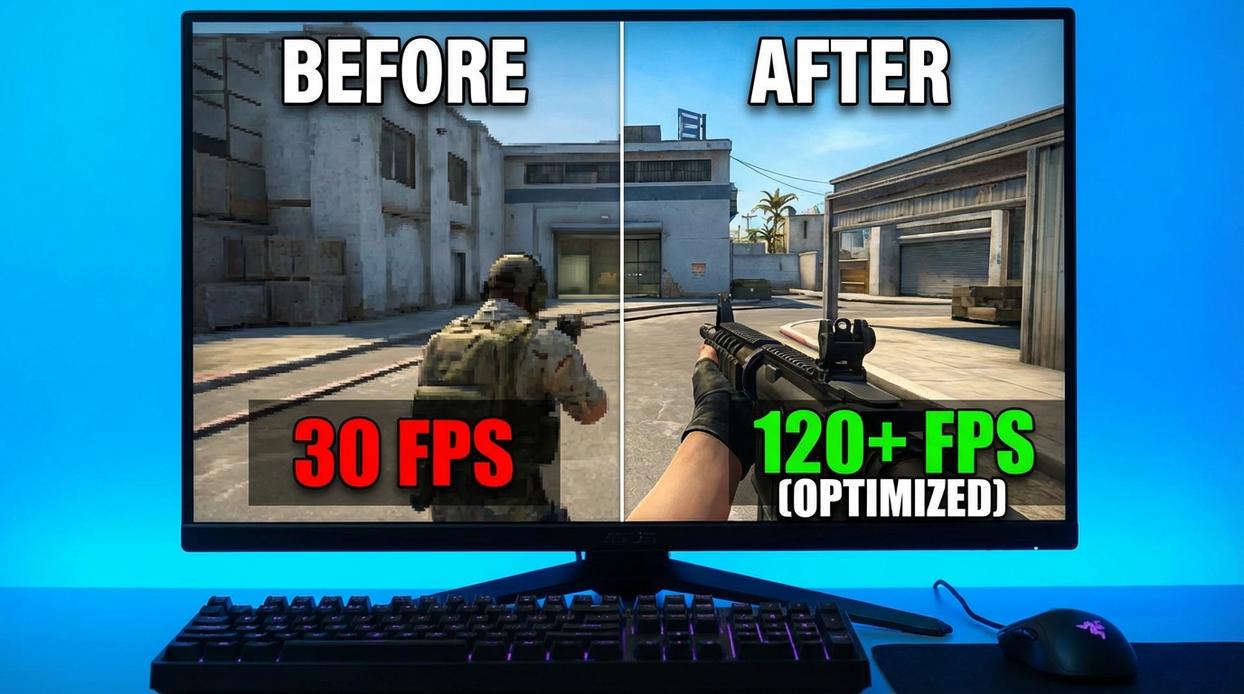
You boot up a new game, crank everything to Ultra, and suddenly your “powerful” PC feels like it’s running through mud. We’ve all been there. The truth? Resolution is usually the biggest FPS killer.
Resolution vs. Performance: The Biggest FPS Killer
Dropping from 1440p to 1080p can deliver a massive FPS boost because your GPU renders significantly fewer pixels. 1440p pushes about 77% more pixels than 1080p. More pixels = more work = fewer frames. It’s simple math, but it stings when you love sharp visuals.
Some argue lowering resolution ruins immersion. And yes, it can look softer. But if you’re dipping below 60 FPS (or 144 in competitive titles), smooth gameplay often beats eye candy. Fluid motion wins fights.
Identify the FPS Hogs: Key Settings to Tweak
If you’re trying to optimize gaming pc for fps, start here:
- Shadows: Often the heaviest setting after resolution. Dropping from Ultra to High or Medium can yield big gains with minimal visual loss.
- Anti-Aliasing (AA): Smooths jagged edges, but at a steep performance cost. Lower it or disable it for competitive play.
- Textures: High textures consume VRAM. On low-VRAM GPUs, lowering this prevents stuttering (that annoying mid-fight hitch).
- View Distance & Foliage Density: Brutal in open-world games. Lowering these can stabilize performance fast.
Pro tip: Change one setting at a time so you actually know what fixed the issue.
V-Sync Explained: To Sync or Not to Sync?
V-Sync eliminates screen tearing by capping FPS to your monitor’s refresh rate. Sounds great—until you notice added input lag. For competitive play, turning it OFF usually means higher raw FPS and snappier response.
If tearing bothers you, upgrading your display might be smarter. See our guide on choosing the right monitor for competitive play.
From Stuttering to Smooth Gameplay
You came here because dropped frames, lag spikes, and inconsistent performance were ruining your experience. Now, you have a complete toolkit to optimize gaming pc for fps—from simple software updates and driver tweaks to advanced hardware tuning and in-game adjustments.
Low FPS doesn’t have to be your reality anymore. The frustration of stuttering in clutch moments or losing competitive edge due to poor performance is something you can fix. By systematically applying these optimizations, you’ve taken back control of your system and unlocked performance that was always there.
Now it’s your move: start with the foundational system tweaks, measure your FPS gains, and stack improvements one by one. Thousands of competitive players trust these proven methods to gain smoother, more responsive gameplay. Apply them today and experience the fluid, high-performance gaming setup you deserve.